
Activate your license
Turn your license key into a working app, and share it with your team.
The easy way
The page you land on after buying has an Open in Graphify button. Click it and the app activates itself, because the key is handed straight over.
The manual way
Copy the key from your purchase email, paste it into the activation screen, and click Activate.
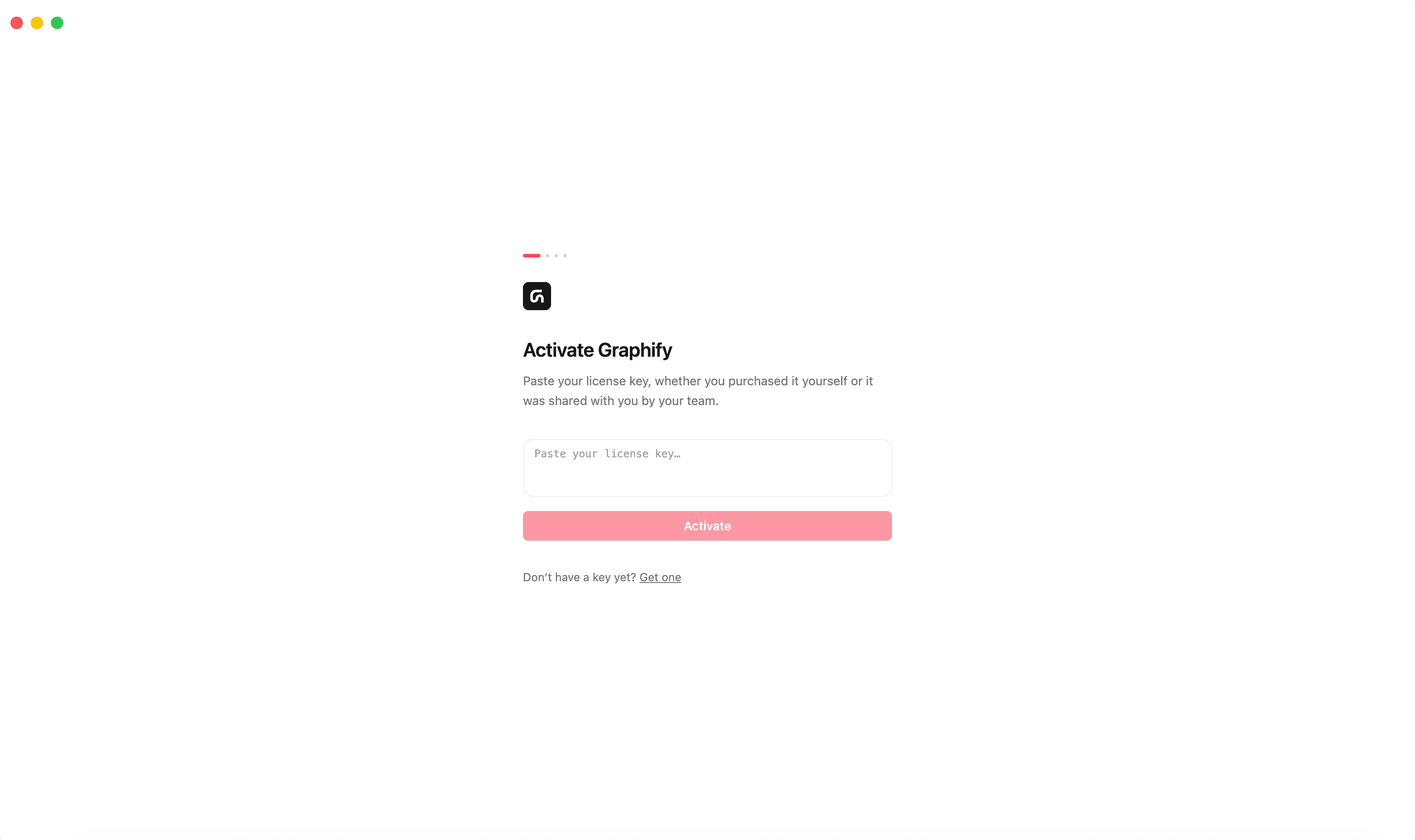
Activation needs an internet connection once. After that the app checks the key offline every time it starts, so you can work with no connection at all.
Licenses and seats
One purchase gives you one key with as many seats as you bought licenses for. To set up a colleague, give them the same key. There's no second key to hand out and no separate account for them to make.
Only the buyer needs a getgraphify.com account, and only to manage the licenses.
Buying more later adds seats to the key you already have. It doesn't replace it.
Freeing up a seat
If every seat is in use and you need one back, because of an old laptop or someone who's left, then release it from your account on getgraphify.com. Then activate on the new machine.
When activation fails
The app shows one of four messages. Each means something specific:
| Message | What it means | What to do |
|---|---|---|
| “Could not reach the license server. Check your internet connection and try again.” | A network problem. Your key is fine. | Check your connection, VPN or firewall, and try again |
| “Every license on this key is already in use. Free one up in your Graphify account, or add another license.” | All seats are taken | Release a seat in your account, or buy another license |
| “This license key was not found. Please contact support.” | The key doesn't match anything. Usually a typo or a partial copy | Copy the key again from your purchase email. If it still fails, write to us |
| “This license key is no longer valid. Please contact support.” | The key has been blocked | Write to us |
Switching to a different key
If this machine is already activated, a key arriving by Open in Graphify is ignored on purpose, so a stray link can't change a working setup.
To change keys deliberately, go to Settings in Graphify web and enter the new one.
Resetting doesn't remove your license
Reset Graphify clears your content, connection, graphs and settings, but the activation stays. You won't have to type the key in again.
Still stuck? Tell us what you were doing when it went wrong.
hello@getgraphify.com